How to Find Low Competition Keywords Free with Claude (2026)

SEO Analyst
How to Find Low Competition Keywords Free with Claude (2026)
The core of SEO in 2026 is speed and data integration. By combining Claude Code with FireSEO, you can discover high-profit, low-competition 'Golden Keywords' in just 10 minutes, all without the friction of switching browser tabs. We'll show you how to leverage real-time Google Search Console data and search volume directly within your terminal.
Instead of just listing popular keywords, we introduce an Agentic keyword research workflow where your AI agent analyzes your site's authority and competitor gaps to generate a list of exact topics you should write about right now.
🕒 TL;DR (Executive Summary)
For those in a hurry, here is the 3-step core process:
- Context: Connect FireSEO MCP to your Claude Code environment.
- Analysis: Use
get_keyword_metricsfor real search volume andanalyze_serpto find competitor weaknesses. - Strategy: Cross-reference with your site's GSC data to generate a list of 'Golden Keywords' you can actually win.
1. Why are you still searching for keywords in a browser?
Traditional keyword research is painful. You log into Semrush or Ahrefs, type in keywords, download CSVs, and then jump to Google Search Console to cross-reference your rankings. This Context Switching is the primary productivity killer for developers and founders.
The Rise of Agentic Workflows
Tools should no longer wait for you. Instead, an AI agent should fetch the data and present the report once the analysis is done. This is the innovation Claude Code brings to the table.
- 0 Tab Switches: Everything happens inside your terminal or editor.
- Real-time Data: No more year-old stale data. Combine current search volume with your site's live status.
- Immediate Execution: Once the analysis is done, jump straight into generating content drafts (MDX).
🛠️ How to Connect FireSEO to Claude Code (Setup Guide)
Before we start finding keywords, you need to link FireSEO MCP to Claude Code. Here are the two fastest ways.
Method 1: Terminal Install (Recommended)
This is the preferred method for developers. Finish the setup with a single command.
- Get API Key: Log in to FireSEO Settings and copy your API Key.
- Enter Command: Copy and run the following in your terminal:
claude mcp add --transport http FireSEO "https://mcp.fireseo.dev/mcp/sse?api_key=YOUR_API_KEY" - Restart: Restart Claude Code, and you are ready.
For detailed guides on connecting to Cursor, VS Code, or other AI editors, log in to the FireSEO Service and check the Setup Guide menu.
Method 2: Add URL in Claude Desktop
If you prefer a GUI approach, add it directly in Claude Desktop settings.
-
Go to Settings: Navigate to
Settings>Connectors. -
Add Connector: Click
Add Custom Connector. -
Enter URL: Paste the following URL (replace with your actual API key from FireSEO Settings):
https://mcp.fireseo.dev/mcp/sse?api_key=YOUR_API_KEY -
Restart: Restart Claude Desktop and start using FireSEO tools immediately.
2. Practical Guide: Finding Golden Keywords with Claude Code
Here is the exact routine I use to dominate search rankings.
Step 1: Topic Brainstorming (One Command)
Start by tossing a broad topic to Claude Code focused on your niche.
"Based on my site's theme, suggest 20 long-tail keywords related to SEO trends in 2026."
Step 2: Data Validation with FireSEO (Data Never Lies)
Verify if the suggested keywords are actually profitable using get_keyword_metrics.
"Check the monthly search volume and competition level for these keywords in the US (US) region using FireSEO."
At this stage, we filter for 'Golden Keywords' that have 100~1,000 monthly searches with LOW competition.
Step 3: SERP & Gap Analysis (analyze_serp)
Don't jump in just because the numbers look good. If the SERP is dominated by giants, it's a waste of time. Call the analyze_serp tool.
"Analyze the Google search results for 'AI SEO Automation' and tell me where the 'Content Gaps' are that I can win."
FireSEO analyzes the titles and structures of the top 10 results and suggests exactly what angle you should take to hit #1.
3. What Makes a Keyword 'Golden'? Data Meets Intent
There are three types of keywords. We focus on the third.
- Informational: "What is X?" (High volume, low conversion)
- Comparison: "A vs B" (High intent, near purchase)
- Solution-Oriented Golden Keywords: "How to solve specific problem Y" (The highest conversion)
FireSEO's superpower is its ability to read your Google Search Console (GSC) data.
Pro Tip: "Find keywords where I'm already on page 2 (Rank 11~15) with low CTR, and find supporting keywords to push these pages to the top."
Only FireSEO, which understands your site's 'context', can answer this effectively.
4. Scaling into Deep Content (3,000+ characters)
Once you find your golden keywords, quality is paramount. Follow these 3 rules to ensure your AI-assisted content ranks well:
1. Add Unique Data & Experience
Follow up AI-generated text with your own experience. "When I used FireSEO..." This is the 'Experience' segment of Google's E-E-A-T guidelines.
2. Structured Layout (H2, H3)
Search engines love clean structures. Use question-based headings and summary paragraphs as mentioned in our SEO Writing Rules.
3. Multimedia (GIFs & Charts)
Users don't read walls of text. Insert GIFs showing workflows and charts visualizing data to increase dwell time and boost rankings.
❓ Frequently Asked Questions (FAQ)
Q. Do I need to be a developer to use Claude Code? A. No. You only need basic terminal knowledge. You just type commands like you're chatting, and the AI handles the tools (FireSEO) for you.
Q. Where does FireSEO fetch search volume data from? A. We fetch directly from Google Ads (Official Data). This is not an estimation; it's real search traffic data.
Q. How much revenue can one Golden Keyword generate? A. Even if a keyword only brings 500 visitors, if 5 of them (1%) purchase a high-ticket service, it's worth thousands of dollars. Focus on intent over volume.
Q. Does the 'Money Finder' feature provide more than just keywords? A. Yes. MCP analyzes the search intent, competition level, and competitor content for each "Golden Keyword". Rather than a simple list, it prioritizes opportunities and provides clear guidelines on how to build content that can actually rank and monetize.
Q. How is this better than Cursor Rules? A. Cursor Rules provide instruction-based guidance based on general SEO best practices, but they don't know your data. FireSEO connects to real sources like Google Search Console and Google Ads. Instead of saying "this keyword might work," it says "this keyword shows high commercial intent in YOUR real data." It finds opportunities grounded in metrics, not just theory.
🎯 Conclusion: The Ultimate Way to Save Time
Keyword research is the compass of your business. But don't spend so much time looking at the compass that you forget to row the boat.
Install FireSEO MCP and connect it to your Claude Code. Let the AI handle the tedious data gathering while you focus on what value you provide to your users.
Ready to find your first golden keyword today?
 FireSEO
Break the Barriers to Explosive Growth.
Start a conversation with FireSEO Agent today and turn your website into a growth engine.
Start Free AnalysisNo credit card required
FireSEO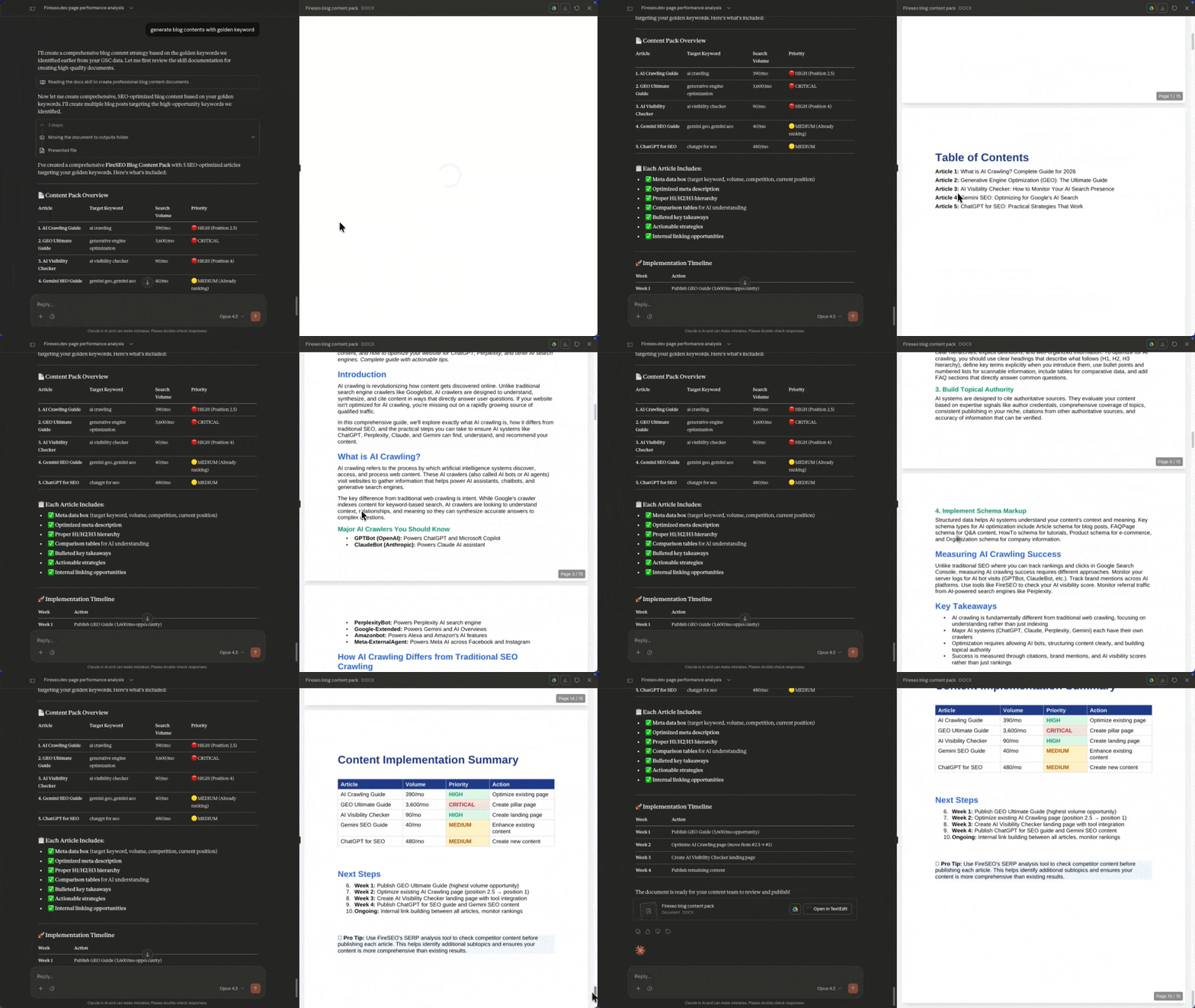


1,200+ websites connected
Data Analysis for AI, Rank Growth for You.
Start Free AnalysisNo credit card required • Start in 30s
Related Articles
Best SEO Tools for Claude AI in 2026: Complete Tracking & Analysis Guide
Discover the best SEO tools for optimizing your visibility in Claude AI. Compare Claude tracking tools, analysis platforms, and optimization strategies for 2026.
Free Character Counter | Real-time Word & Letter Count Tool (2026)
Count characters, words, and sentences in real-time. The ultimate free character counter tool for SEO meta tag optimization, blogging, and social media content.
Free Word Counter | Online Word Count & Reading Time Tool (2026)
Count words, sentences, and calculate reading time instantly. The ultimate free word counter tool for bloggers, students, and content creators.